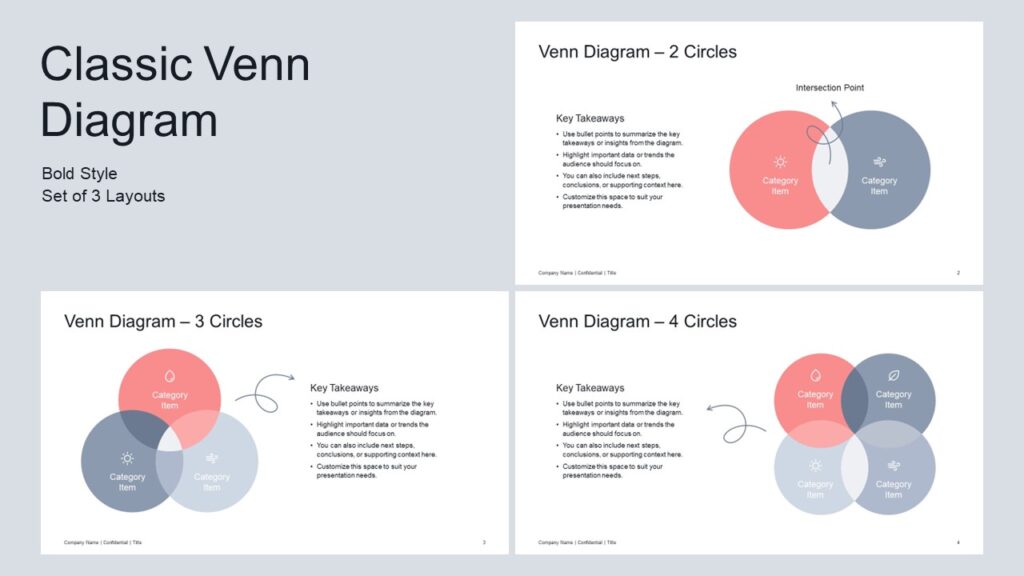
A classic Venn diagram for PowerPoint that highlights overlaps, comparisons, or relationships between concepts with clarity, flexible layouts, and bold visuals for professional presentations.
Get this diagram:
About This Diagram
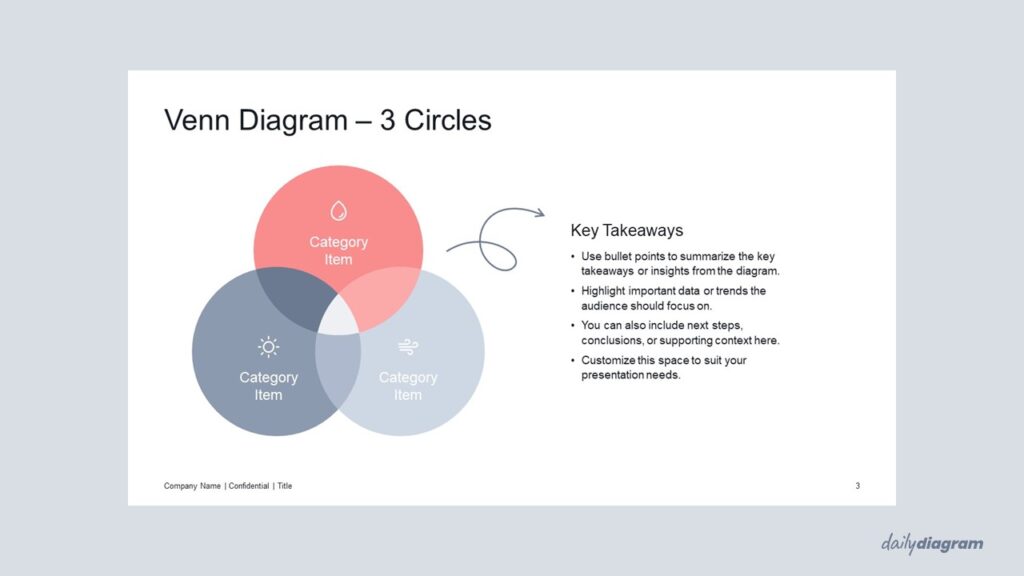
The bold Venn diagram highlights intersections with strong, filled shapes, creating a more impactful visual for emphasizing relationships between 2, 3, or 4 groups.
This style works especially well when you want the overlapping areas to stand out and carry more visual weight.
It is widely used in strategy, marketing, or educational presentations to illustrate shared qualities, collaborations, or common factors.
The set includes 2–4-part diagrams, all fully customizable in PowerPoint, allowing you to adjust colors, text, and layout to match your presentation style.
For a cleaner version with lightweight outlines and a minimalist feel, try the Classic Venn Diagram Minimalist.
Key Features & Specs
Universal Features
- Fully Editable: Easily change text, colors, and layouts to match your needs.
- 16:9 Aspect Ratio: Optimized for modern screens and presentations.
- High-Quality Visuals: Professional, clear design that looks polished in any context.
- Structured Object Naming: All elements are neatly labeled in the Selection Pane for fast, intuitive editing.
- Multi-Purpose: Ideal for meetings, projects, strategy sessions, and personal organization.
- PowerPoint Ready: Works entirely within PowerPoint; no extra software needed.
- Google Slides Compatible: Most diagrams can be used in Google Slides by opening the .ppt file. Some advanced effects (like text transforms or animations) may not be fully supported.
Diagram-Specific Features:
- Show intersections and shared elements clearly in diagram templates.
- Perfect for illustrating commonalities and differences in presentations.