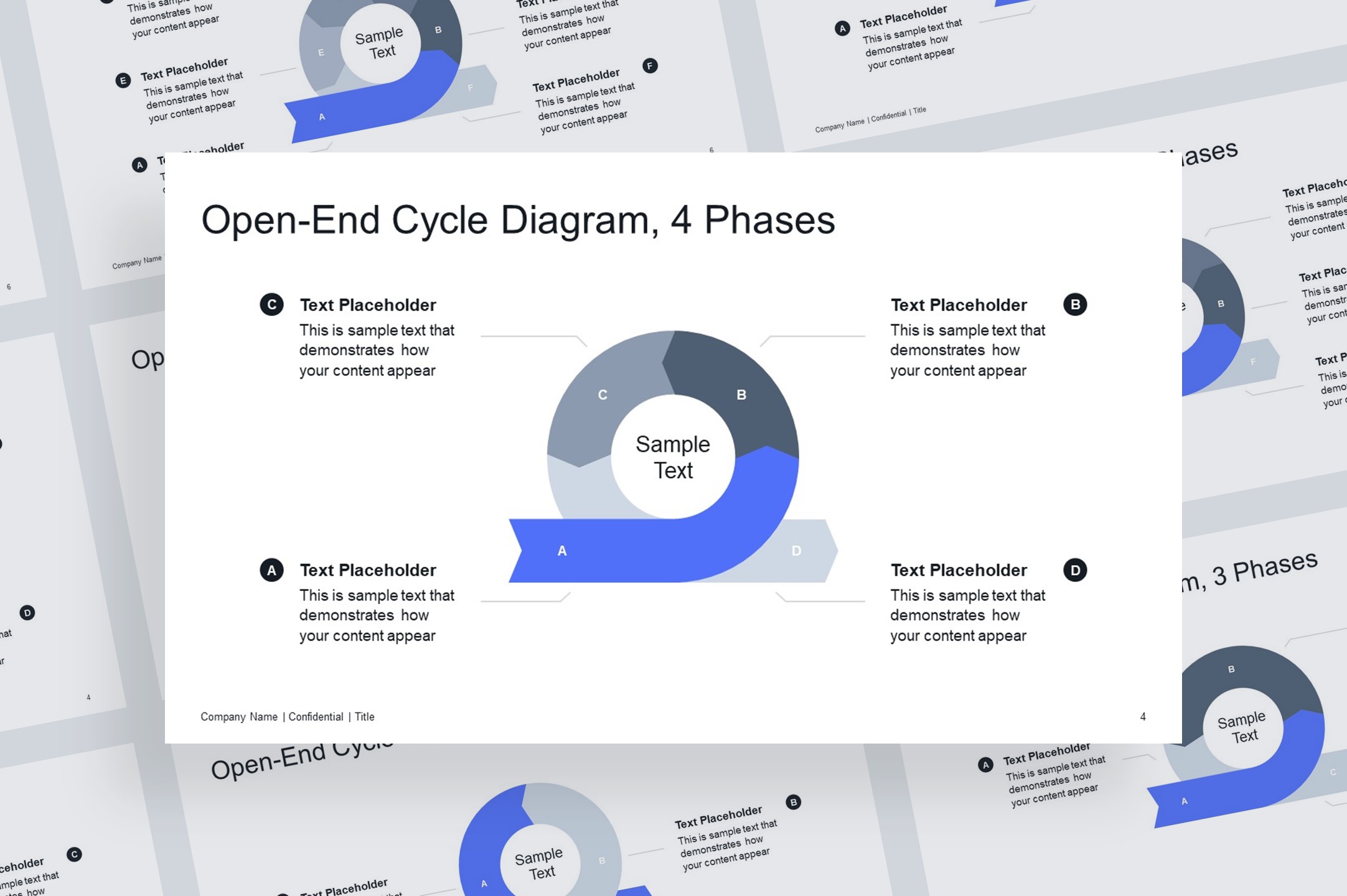
Layout #2, open-end cycle infographic helps visualize continuous processes, circular workflows, and agile methods with clarity and flexibility. Perfect for team planning, presentations, and highlighting key steps.
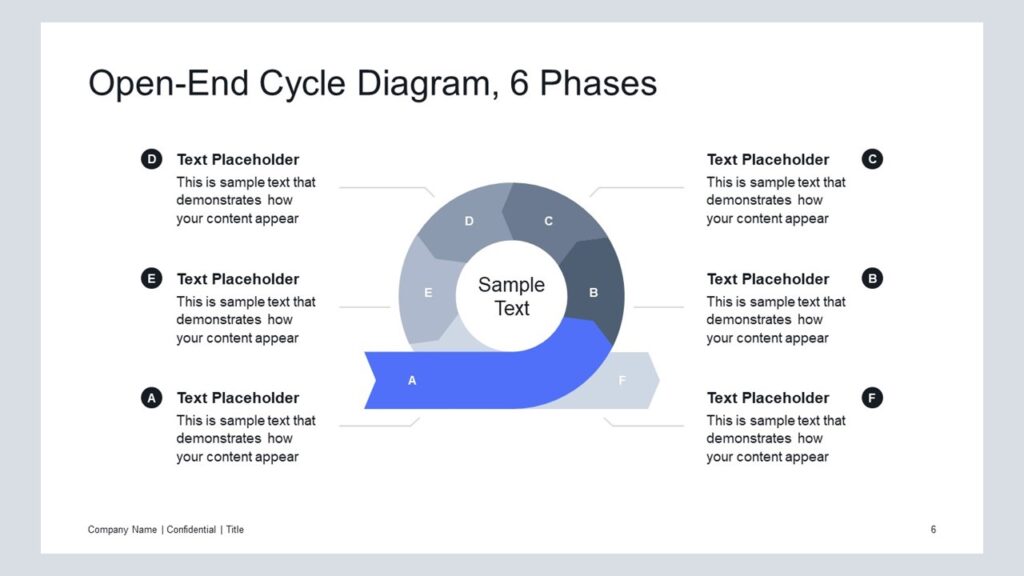
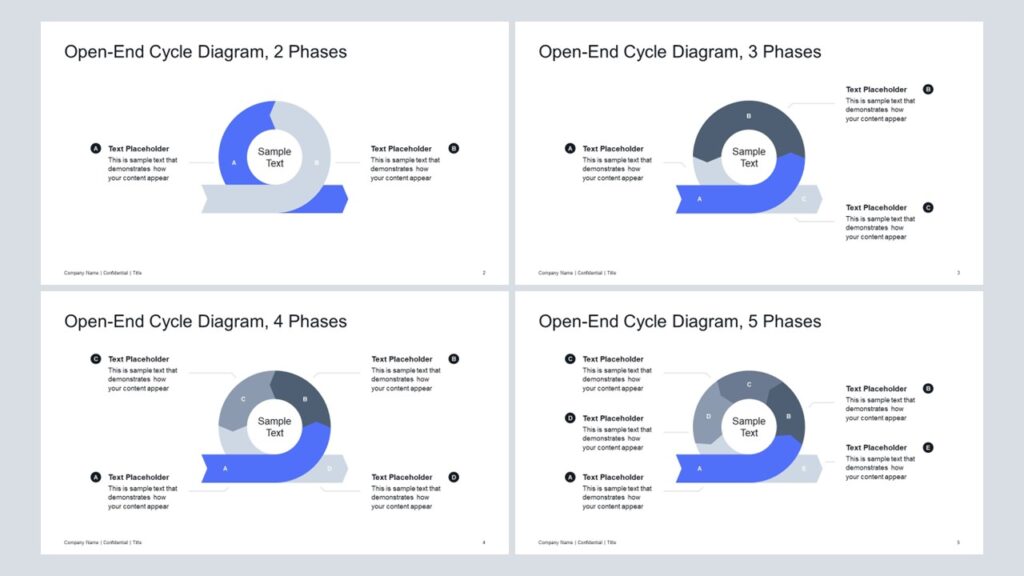
Get this diagram:
About This Diagram
The open-end cycle diagram communicates processes that are continuous but not fully closed, making it ideal for growth, improvement, or ongoing development. It is especially well-suited for visualizing agile processes and iterative workflows where flexibility and adaptation are key.
Layout #2 positions the diagram in the center of the slide, giving more space to describe each stage in detail, while Layout #1 places the diagram on the right with key takeaways on the left for quick summarization. This makes it useful when the focus is on explaining the individual parts of a process rather than just summarizing the key points.
The diagram is available in 2–8 segments, fully editable in PowerPoint, and adaptable for business, education, or strategy presentations. Users can easily change colors, resize shapes, or add icons to match their corporate style or presentation theme. Its clear structure and visual impact make it perfect for team planning, project updates, and communicating continuous improvement steps.
If you prefer a version with space for key takeaways on the left and the diagram on the right, try Open-End Cycle, Layout #1.
Key Features of Open–End Cycle Diagram
Universal Features
- Fully Editable: Easily change text, colors, and layouts to match your needs.
- 16:9 Aspect Ratio: Optimized for modern screens and presentations.
- High-Quality Visuals: Professional, clear design that looks polished in any context.
- Structured Object Naming: All elements are neatly labeled in the Selection Pane for fast, intuitive editing.
- Multi-Purpose: Ideal for meetings, projects, strategy sessions, and personal organization.
- PowerPoint Ready: Works entirely within PowerPoint; no extra software needed.
- Google Slides Compatible: Most diagrams can be used in Google Slides by opening the .ppt file. Some advanced effects (like text transforms or animations) may not be fully supported.
Diagram-Specific Features:
- Highlight ongoing processes in a clear, modern style for presentation templates.
- Easy to customize for different step counts in editable slides.