
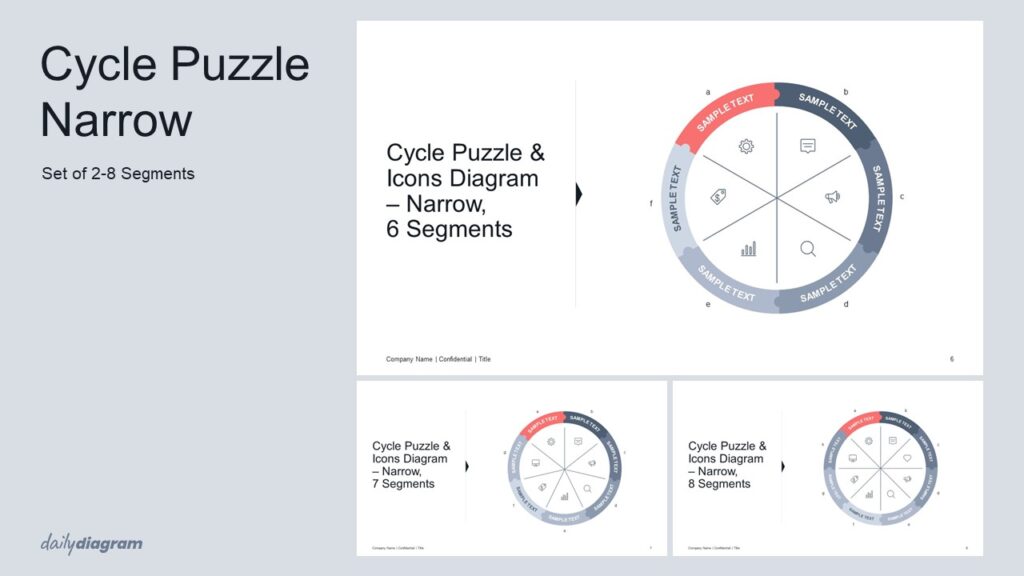
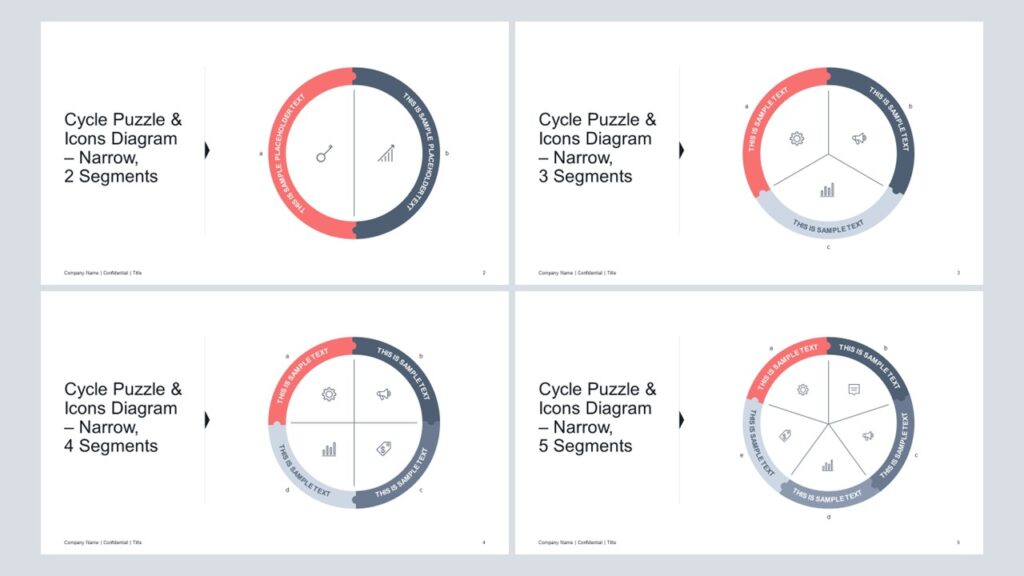
A bold cycle puzzle diagram for PowerPoint that conveys recurring processes, continuous loops, or circular workflows with clarity, flexible layouts, and engaging puzzle-style visuals for impactful presentations.
Get this diagram:
About This Diagram
The cycle arrow narrow diagram offers a sleeker version of the classic cycle arrow, ideal for presentations where space is limited or where a cleaner, more compact look is desired.
It works well for showing continuous processes, cycles of improvement, or repetitive workflows in business, marketing, or operations.
With 2–8 segment variations, this set provides flexibility while maintaining clarity.
Fully editable in PowerPoint, it supports text and style adjustments for complete customization, allowing you to match colors, sizes, and layout to your brand and message.
If you’d like to explore another layout of this diagram, check out the Cycle Arrow Narrow Diagram.
Key Features & Specs
Universal Features
- Fully Editable: Easily change text, colors, and layouts to match your needs.
- 16:9 Aspect Ratio: Optimized for modern screens and presentations.
- High-Quality Visuals: Professional, clear design that looks polished in any context.
- Structured Object Naming: All elements are neatly labeled in the Selection Pane for fast, intuitive editing.
- Multi-Purpose: Ideal for meetings, projects, strategy sessions, and personal organization.
- PowerPoint Ready: Works entirely within PowerPoint; no extra software needed.
- Google Slides Compatible: Most diagrams can be used in Google Slides by opening the .ppt file. Some advanced effects (like text transforms or animations) may not be fully supported.
Diagram-Specific Features:
- Focus on sequential steps in a compact circular PowerPoint diagram.
- Ideal for concise presentations and editable slides.