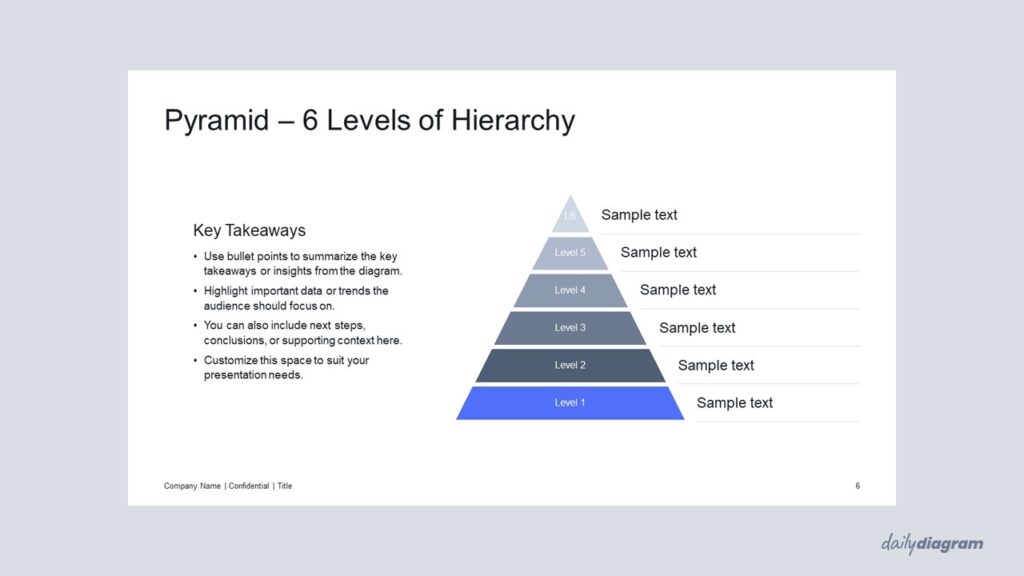
A pyramid diagram for PowerPoint with sharp corners that illustrates hierarchies, layered structures, or business frameworks with clarity, flexible layouts, and impactful visuals for presentations.
Get this diagram:
About This Diagram
The pyramid with sharp corners diagram provides a classic way to show hierarchy, priorities, or step-by-step processes.
Its clean, geometric design makes it a staple for corporate and strategic presentations.
Each level can represent a rank, stage, or concept, from the foundation to the peak.
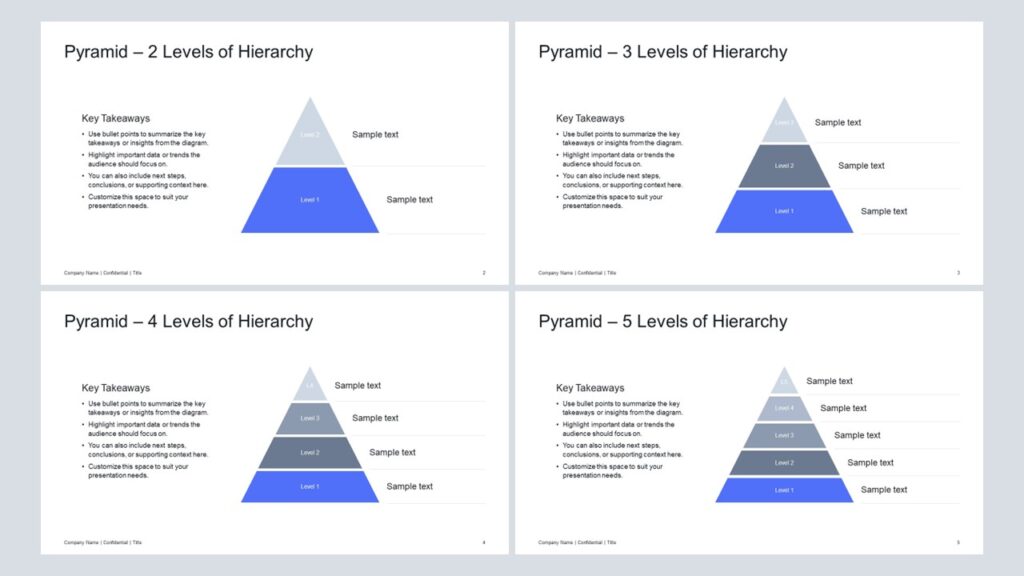
The set includes 2–6 levels, offering flexibility for different contexts.
Fully editable in PowerPoint, allowing you to adjust colors, size, and text to fit your needs.
If you prefer a simplified half pyramid structure with sharp corners, take a look at the Vertical Cut Pyramid with Sharp Corners.
Key Features & Specs
Universal Features
- Fully Editable: Easily change text, colors, and layouts to match your needs.
- 16:9 Aspect Ratio: Optimized for modern screens and presentations.
- High-Quality Visuals: Professional, clear design that looks polished in any context.
- Structured Object Naming: All elements are neatly labeled in the Selection Pane for fast, intuitive editing.
- Multi-Purpose: Ideal for meetings, projects, strategy sessions, and personal organization.
- PowerPoint Ready: Works entirely within PowerPoint; no extra software needed.
- Google Slides Compatible: Most diagrams can be used in Google Slides by opening the .ppt file. Some advanced effects (like text transforms or animations) may not be fully supported.
Diagram-Specific Features:
- Show stepwise or layered processes clearly in diagram templates.
- Great for emphasizing hierarchy or order in presentations.