
A yearly Gantt chart for PowerPoint that helps present long-term projects, tasks, or schedules with clarity, flexible layouts, and strong visuals for professional presentations.
Get this diagram:
About This Diagram
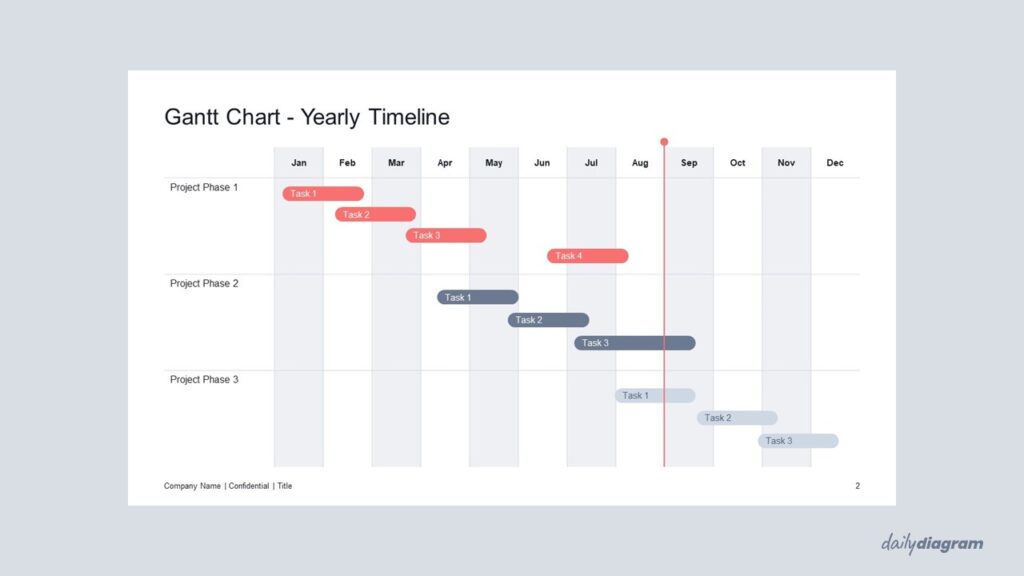
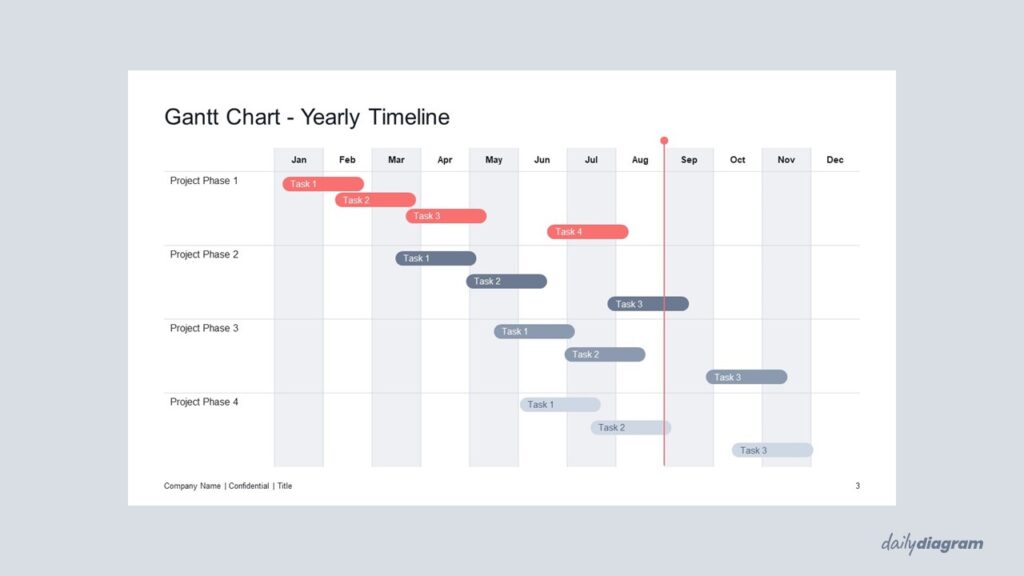
The Yearly Gantt Chart infographic is a powerful tool for visualizing project timelines and schedules over an entire year.
A Gantt chart is a type of bar chart that represents tasks, milestones, and their durations along a horizontal timeline, making it easy to see how different activities overlap and depend on each other.
This yearly layout is ideal for high-level project planning, strategic overviews, and reporting, allowing teams and stakeholders to quickly understand progress, deadlines, and dependencies at a glance.
The clean design keeps information organized and readable, while full editability in PowerPoint lets you customize task names, durations, colors, and stages to fit any project.
Whether you’re coordinating complex initiatives, tracking annual goals, or presenting project plans to clients or management, this Gantt chart infographic helps you communicate schedules clearly and effectively.
For a similar Gantt Chart with a weekly timeline, try the Gantt Chart #3 – Weekly Timeline.
Key Features & Specs
Universal Features
- Fully Editable: Easily change text, colors, and layouts to match your needs.
- 16:9 Aspect Ratio: Optimized for modern screens and presentations.
- High-Quality Visuals: Professional, clear design that looks polished in any context.
- Structured Object Naming: All elements are neatly labeled in the Selection Pane for fast, intuitive editing.
- Multi-Purpose: Ideal for meetings, projects, strategy sessions, and personal organization.
- PowerPoint Ready: Works entirely within PowerPoint; no extra software needed.
- Google Slides Compatible: Most diagrams can be used in Google Slides by opening the .ppt file. Some advanced effects (like text transforms or animations) may not be fully supported.
Diagram-Specific Features:
- Plan and track long-term projects efficiently in PowerPoint or Google Slides.
- Includes clear, color-coded timelines in editable slides.


